01 / Glance
The essentials.
Nothing in the way.
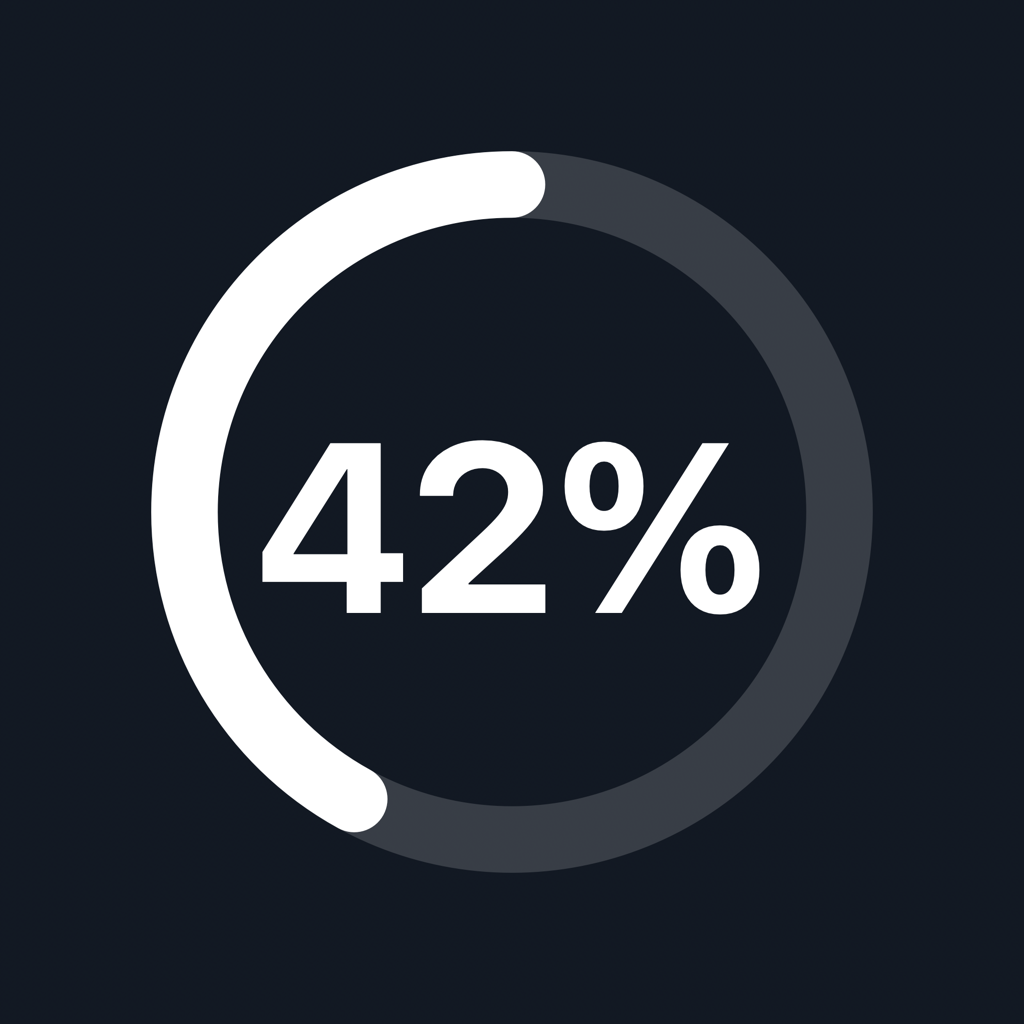
See your iPhone’s battery percentage and charging state without reaching for your phone.
 WristGlint
iPhone battery on Apple Watch
Check your iPhone’s battery level and charging state from your Apple Watch. Keep a complication on your watch face, or open WristGlint for a closer look.
For a paired iPhone and Apple Watch.
iOS 18 or later · watchOS 11 or later
01 / Glance
See your iPhone’s battery percentage and charging state without reaching for your phone.
02 / Keep it close
Add WristGlint to a supported complication slot, or find it in the Smart Stack.
03 / Stay informed
Freshness indicators distinguish a recent reading from an older one. Request a new reading with Refresh in the Watch app.
Just your devices
Battery information passes between your paired devices using Apple’s connectivity services. WristGlint does not send it to a developer-operated server.